You're Up, Bro

Hooked on AIand social media?

Reaching for your phone while AI does the work? You’re Up, Bro locks your selected iPhone apps when your AI needs a reply.

How to use

MAC

Connect your Mac.

  1. Move to Applications and open

    Click “Connect Mac”. Sign in to iCloud with the same Apple Account as your iPhone.

  2. Allow Bro’s hooks in Codex

    Click “Allow in Codex” in Bro, then follow the steps shown below to trust its hooks. In Claude Code, start a new conversation.

  3. Get back to work

    When you see “Your Mac is ready.”, you’re all set. Bro keeps running in the menu bar after you close the window.
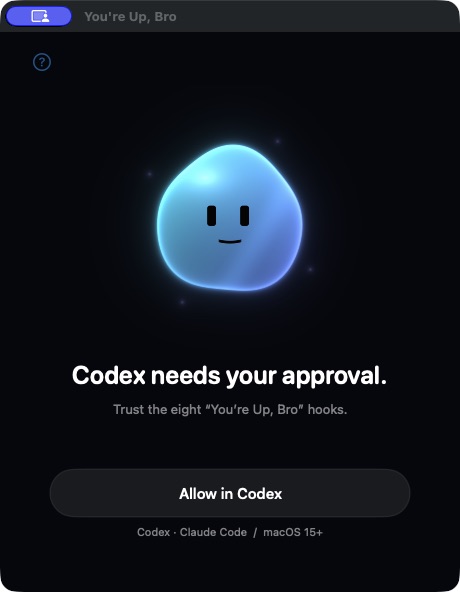
The Mac app showing that Codex permission is needed, with an Allow in Codex button.

Trust the hooks in ChatGPT

Open Settings → Hooks → User settings, then click “Trust” for all eight “You're Up, Bro” entries.
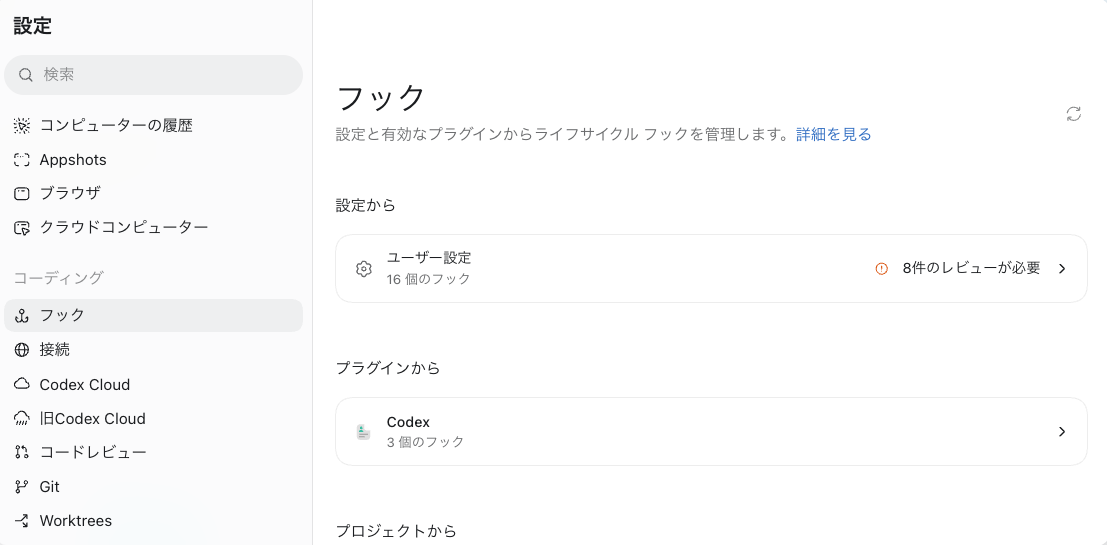
ChatGPT settings in Japanese. Select Hooks on the left, then open User settings on the right. Enlarge image ↗

IPHONE

Pick your apps. Wake Bro up.

  1. Grant access and choose apps

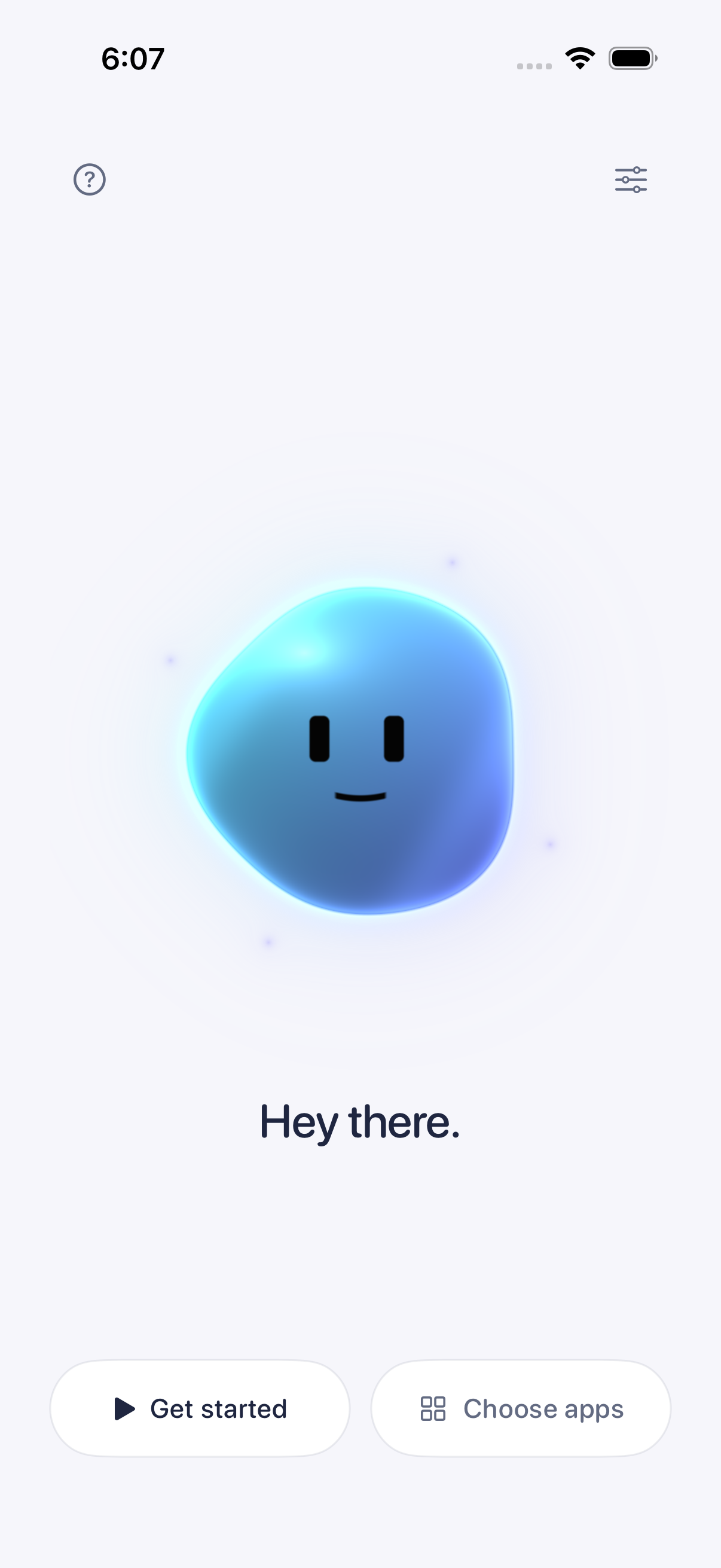
    Tap “Get started”, allow Screen Time access, and choose the apps to restrict. Allow notifications too.

  2. Tap “Wake up”

    Connect to your Mac through iCloud the first time. Bro remembers the connection for next time.

  3. Tap “Sleep” to pause

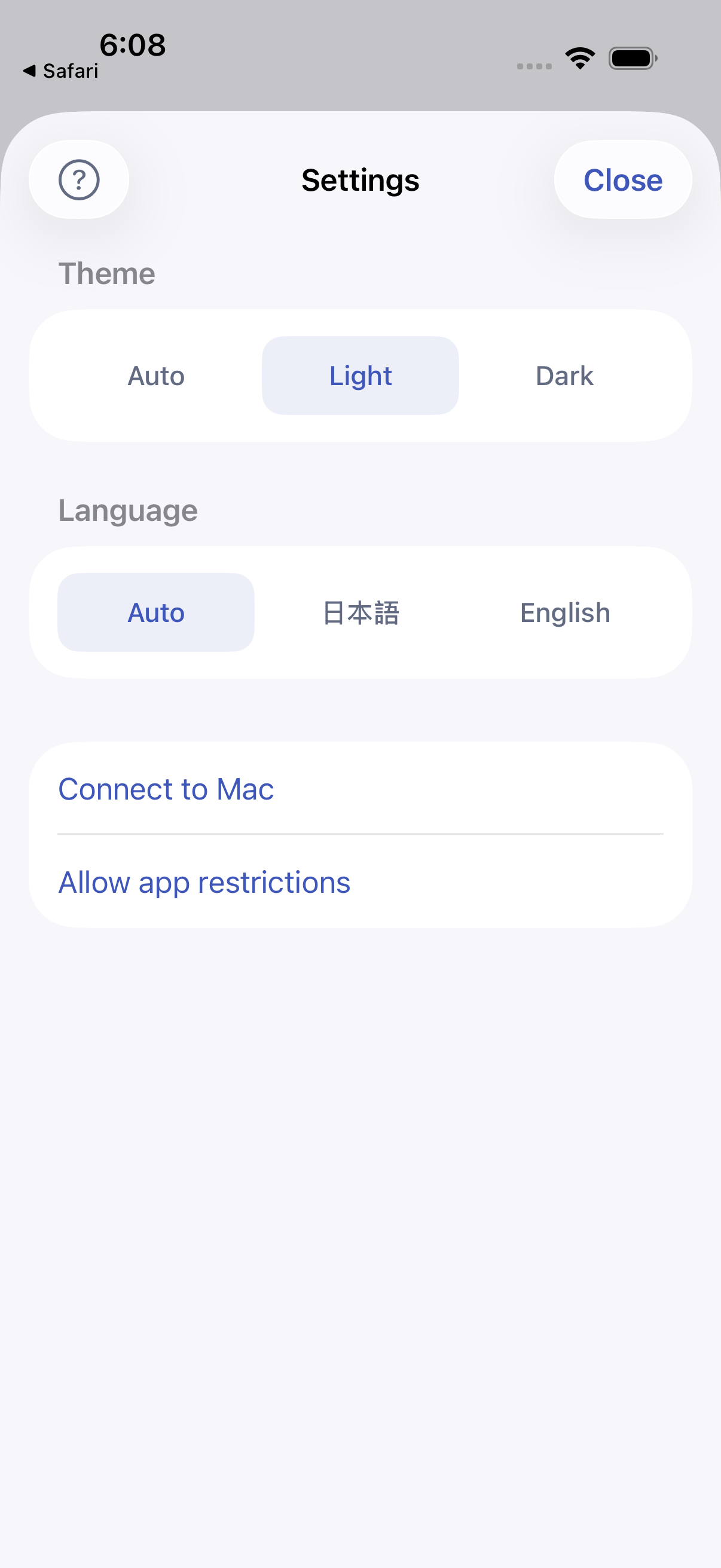
    To unlock your apps while restrictions are active, open Settings at the top right and tap “Unlock apps”.

The iPhone start screen. Tap Get started to grant access and choose apps.
iPhone settings with language, Mac connection, app restriction permissions, and How to use.